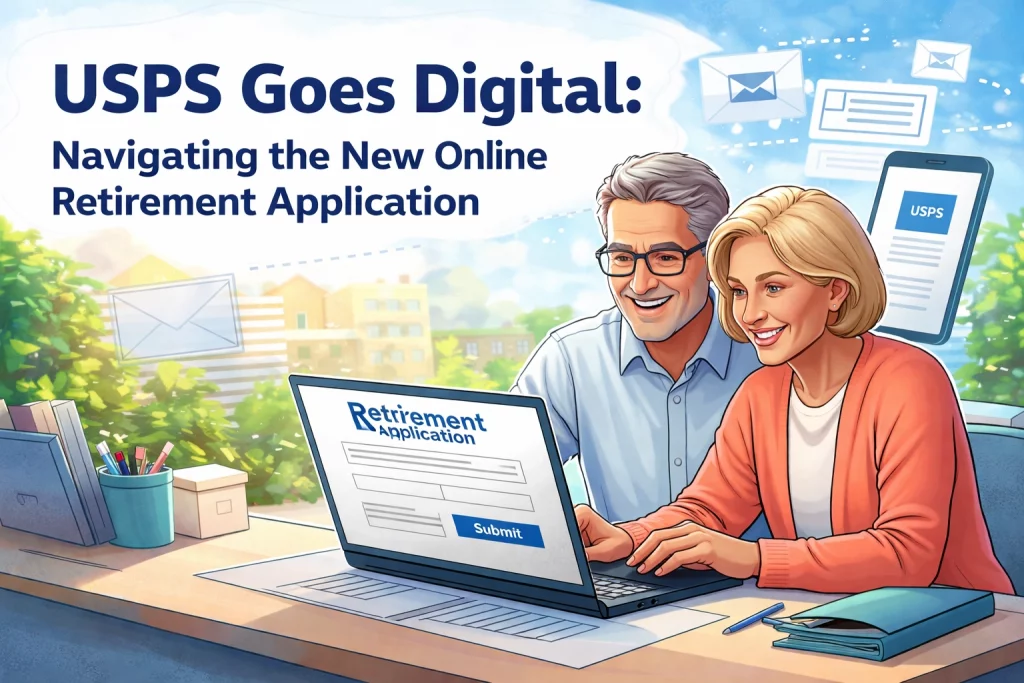
If you’re a United States Postal Service employee thinking about retirement, there’s a big change you need to know about. As of January 1, 2026, the days of filling out paper retirement applications are officially over. The Postal Service has rolled out the Online Retirement Application (ORA), and it’s now the only way to submit your retirement paperwork.
This is great news for some folks. But let’s be real: if you’re not exactly tech-savvy or don’t have easy access to a computer, this shift might feel a little overwhelming. Don’t worry. We’re going to break down everything you need to know about the new system, what challenges you might face, and how Federal Benefits Service can help you through this transition.
What Is the Online Retirement Application (ORA)?
The Online Retirement Application is a secure, fully digital system that replaces the old paper-based process. If you’re a USPS employee under the Federal Employees Retirement System (FERS), this is now your only option for submitting an optional retirement application.
Here’s what makes ORA different from the old way of doing things:
- Pre-filled data: Your name, agency, service history, high-3 salary, and sick leave balances are already loaded from OPM records. No more digging through old paperwork.
- Real-time annuity estimates: You can see how different elections affect your projected benefits instantly.
- Digital document uploads: Upload supporting documents like your marriage certificate, DD-214, W-4P, and SF 2818 directly through the system.
- Partial saves: Start your application, save your progress, and come back later.
- Access from anywhere: Complete your application on any device with internet access: your phone, tablet, or home computer.
The system is designed to speed things up. OPM expects processing times to drop by 10-15 days during the intake phase, and there’s less risk of documents getting lost in the shuffle between agency HR and OPM.

How to Access the Online Retirement Application
Getting started with ORA requires a few steps. Here’s the breakdown:
- Set up a personal email address that you’ll use for your Login.gov account. This should be a personal email: not your work email.
- Contact HRSSC at 877-477-3273, Option 5. Provide them with your personal email address.
- Wait for your invitation. HRSSC will initiate your account, and you’ll receive an email with instructions for accessing ORA.
- Create a Login.gov account if you don’t already have one.
- Log in to ORA using your Login.gov credentials and create a digital signature PIN to certify your application.
Once you’re in, you’ll find much of your information already populated. But you’ll still need to make some elections and upload supporting documents.
Documents You’ll Need to Prepare
Before you start your application, gather these documents and have them ready in PDF format:
- SF 2818 (Life Insurance Election)
- W-4P (Federal Tax Withholding form)
- Marriage certificate (if applicable)
- Spouse’s consent form (if applicable)
- DD-214 (for veterans or those with military service credit)
- Any court orders or other relevant legal documents
Having these ready before you start will make the process much smoother. If you’re not sure what documents apply to your situation, it’s a good idea to schedule a benefits review with someone who can walk you through it.

The Good News: Benefits of Going Digital
Let’s talk about the positives. The new system does come with some real advantages:
- Faster processing: With less manual handling and fewer paper transfers, your application should move through the system quicker.
- Fewer errors: Pre-filled data means less chance of typos or incorrect information slowing things down.
- Better tracking: You can see where your application is in the process without playing phone tag.
- Convenience: Complete your application from home on your own time, not just during work hours.
For federal employees across agencies: whether you’re with the Department of Defense, Veterans Administration, or Department of Labor: the push toward digital processes is becoming the norm. USPS is following a trend that’s reshaping how all federal employees, including Law Enforcement Officers with special retirement provisions, handle their paperwork.
The Challenge: What If You’re Not Tech-Savvy?
Here’s where things get tricky. Not everyone is comfortable with computers. And not everyone has reliable internet access at home.
If you fall into either of these categories, you’re not alone. Many long-term USPS employees spent their careers filling out paper forms. The sudden shift to an all-digital system can feel like a lot.
Here are some common concerns we’re hearing:
- “I don’t have a computer at home.” The system works on phones and tablets, but filling out detailed retirement paperwork on a small screen isn’t ideal.
- “I don’t know how to upload documents.” Converting paper documents to PDFs and uploading them can be confusing if you haven’t done it before.
- “What if I make a mistake?” With paper, you could see everything laid out in front of you. Digital forms can feel less tangible.
- “I don’t have a Login.gov account.” Setting up government login credentials involves extra verification steps that can trip people up.
These are valid concerns. And unfortunately, the Postal Service isn’t offering much in the way of hands-on support for employees who struggle with technology.
How Federal Benefits Service Can Help
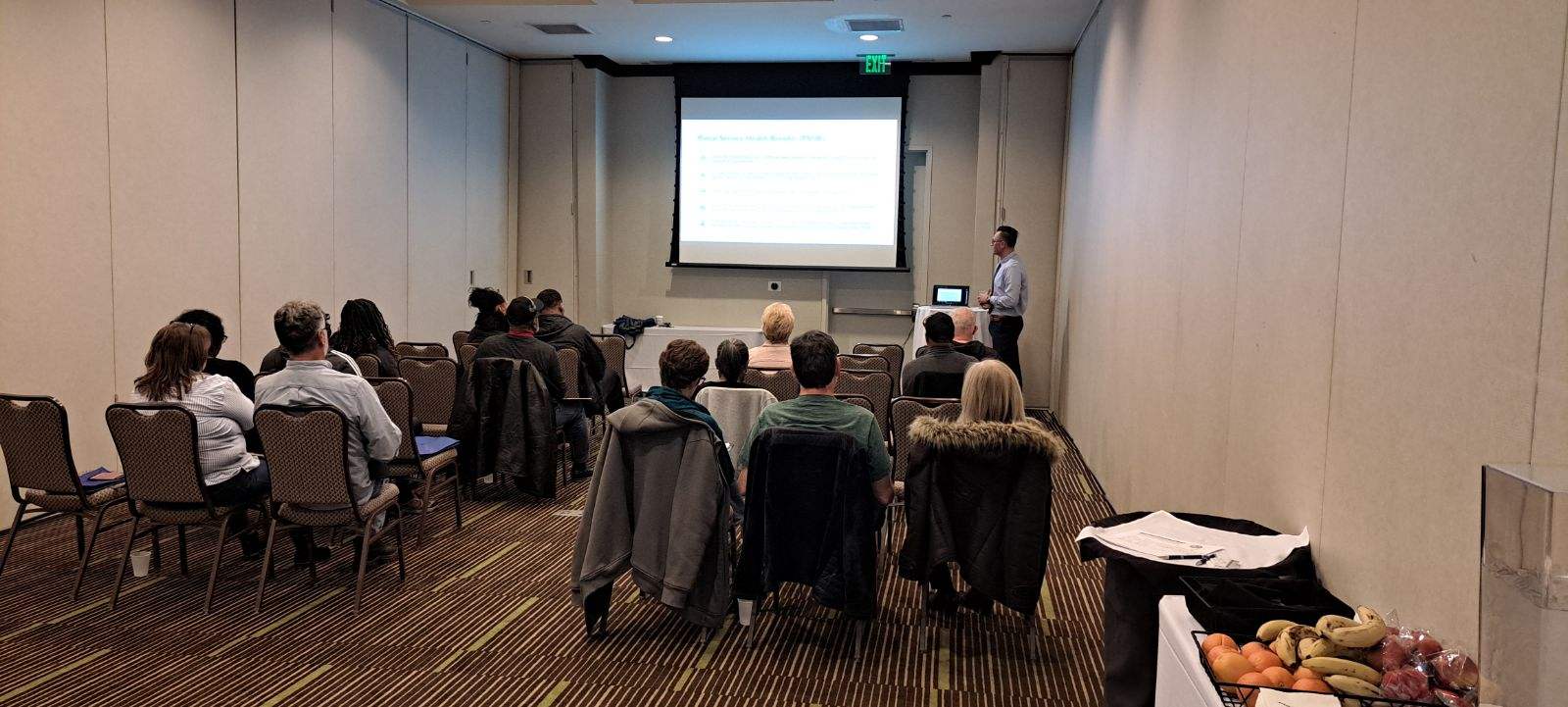
This is exactly where Federal Benefits Service comes in. We work with federal employees: including those from the United States Postal Service, Department of Defense, Veterans Administration, Department of Labor, and Law Enforcement Officers covered under FERS: to help navigate these kinds of transitions.
If the new Online Retirement Application feels overwhelming, we can:
- Walk you through the process step by step, either in person or over the phone
- Help you understand what documents you need and how to get them in the right format
- Review your retirement elections to make sure you’re not leaving money on the table
- Answer questions about your FERS benefits, including your annuity, survivor benefits, and health insurance options
The shift to digital doesn’t have to be stressful. With the right guidance, you can get through it without headaches.
Ready to talk? Book a free benefits review and let us help you through this transition.
Tips for a Smooth ORA Experience
Whether you go it alone or get some help, here are a few tips to make the process easier:
- Start early. Don’t wait until the last minute. Give yourself plenty of time to gather documents and work through the application.
- Use a computer if possible. While ORA works on mobile devices, a larger screen makes it easier to review your information.
- Save frequently. The system allows partial saves. Use this feature so you don’t lose your progress.
- Double-check your pre-filled data. Just because it’s auto-populated doesn’t mean it’s correct. Review everything carefully.
- Keep copies of everything. Download or screenshot your completed application and uploaded documents for your records.
Important Note for Those Who Already Submitted Paper Applications
If you submitted a paper retirement application before January 1, 2026, you don’t need to resubmit through ORA. Your application will continue to be processed through the old system. This only affects new applications going forward.
Final Thoughts
The move to the Online Retirement Application is a big change for USPS employees. For some, it’ll be a welcome upgrade. For others, it’s going to take some adjustment.
If you’re feeling uncertain about navigating this new system: or if you just want to make sure you’re making the right choices for your FERS retirement: don’t hesitate to reach out. Federal Benefits Service is here to help federal employees like you make sense of these changes.
Schedule your free benefits review today and let’s make sure your retirement is on track.